




Create AI videos with 240+ avatars in 160+ languages.
Create engaging training videos in 160+ languages.
Many training video scripts fail for the same reason: they’re written like documents and then read aloud. The result is content that feels dense, slow, or hard to follow on screen.
Training videos work best when scripts are written for listening and watching, not scanning. That means shorter sentences, a clear focus, and visuals that change as the message progresses.
Training video script templates
The templates below are designed to help you get past the blank page and start with a proven structure already in place.
Each template provides:
- A clear video structure
- Scene-by-scene visual layouts
- Guidance for spoken narration that follows what’s happening on screen
The structure is already in place, so you can focus on your message and trust it will work on screen. These templates are designed for dynamic video (think YouTube video not PowerPoint).
From there, AI can help you draft or refine the spoken script within that structure, keeping narration clear, conversational, and aligned to what viewers are seeing.
How to get started with a training video template
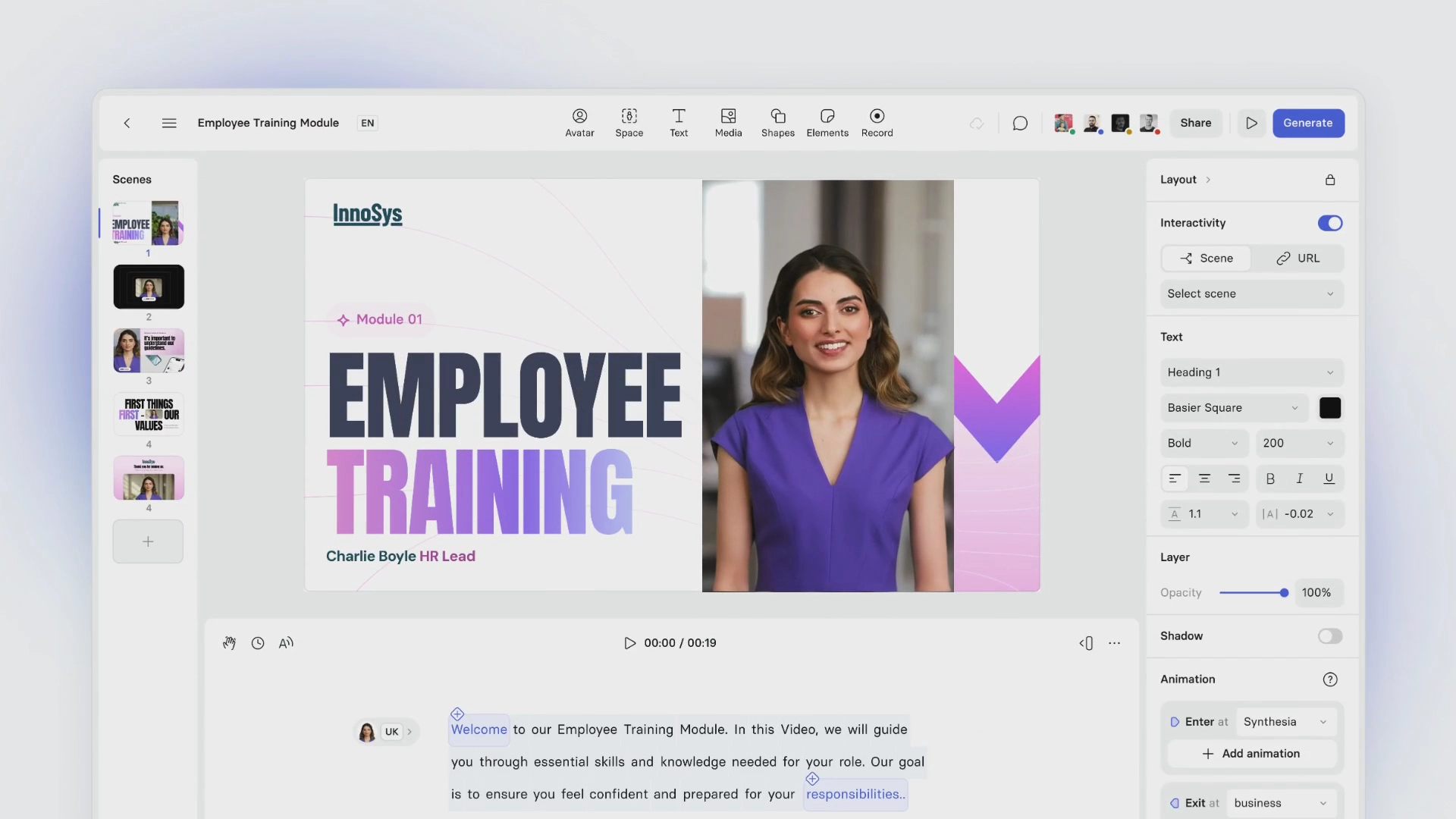
Start with a short prompt or idea, or upload a document, file, or URL. Then select a training video template to shape the structure.
From there, you can refine the spoken narration and visuals together as you edit — so pacing, emphasis, and on-screen elements stay aligned as the video takes shape.
If you want help turning an outline into spoken narration, you can draft from a prompt or start from an existing script and iterate directly inside the editor, without losing the video structure.
12 common training scenarios (with templates designed to work on screen)
Synthesia offers training video templates built around common learning scenarios — from onboarding and compliance to product training and internal communications.
Each template is designed for short, focused videos that work on screen. You can use them on their own or combine multiple templates into larger training programs as needed.
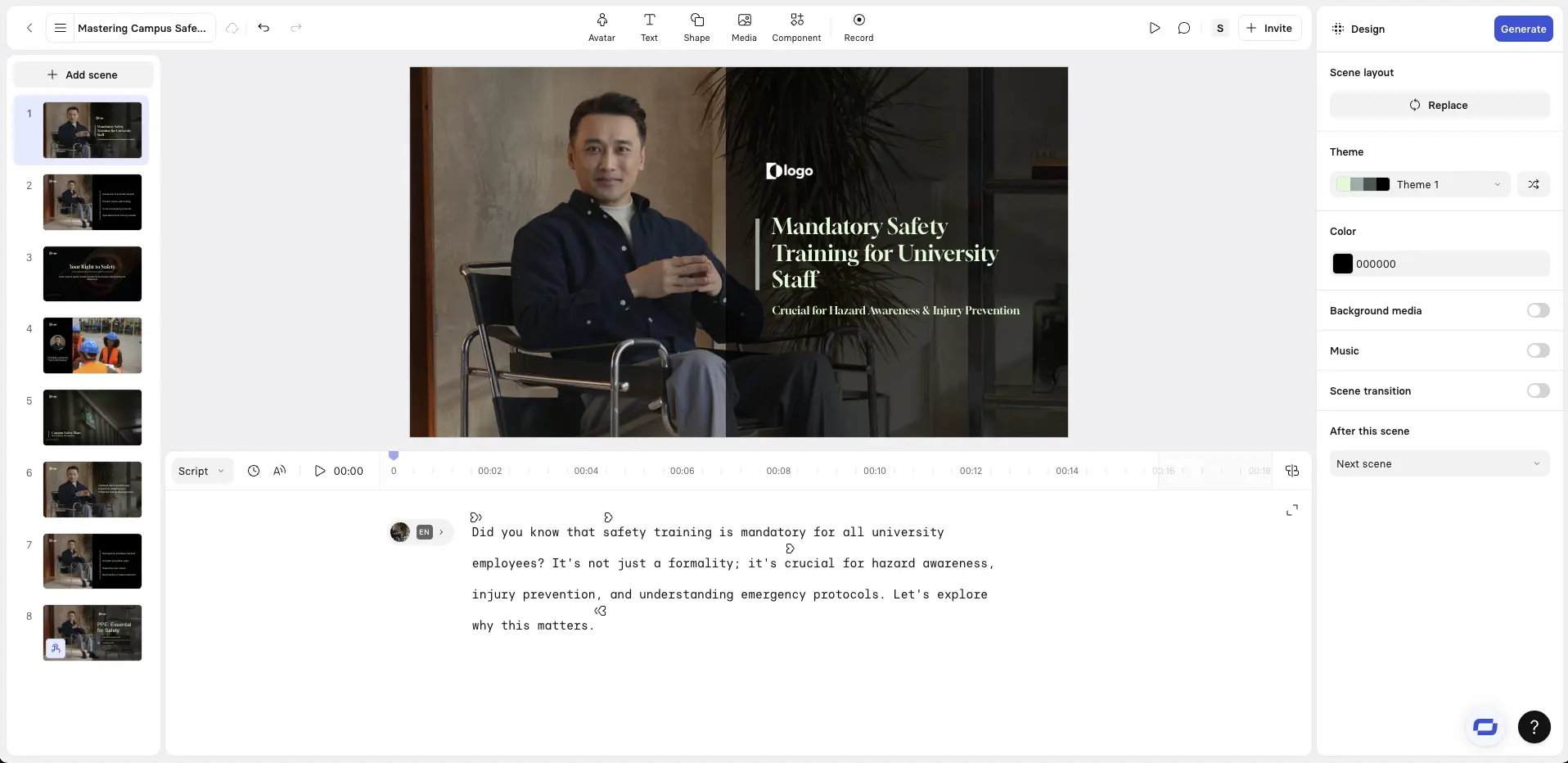
1. Standard training
Designed for instructor-led corporate training videos, this template helps you walk viewers through information with clear pacing and structure. It works well for onboarding, compliance, and skills training where consistency and clarity matter most.
2. Interactive training
This template supports two-way learning through quizzes, branching paths, or clickable elements. It’s designed to improve retention by letting learners make decisions, receive feedback, and learn through interaction rather than passive viewing.
3. Onboarding
Designed for first impressions, this template helps you communicate mission, tools, and workflows in a warm, structured way. It sets expectations clearly while keeping the experience approachable and easy to follow on screen.
4. Standard Operating Procedure (SOP)
This template breaks procedures into clear, visual steps so teams can follow the same workflows every time. It’s especially useful for maintaining consistency, reducing errors, and preserving operational knowledge across roles and locations.
5. Compliance training
Legal, safety, and regulatory requirements explained clearly to ensure employees understand critical policies. Often includes quizzes or interactive elements to confirm comprehension and adherence.
6. Cybersecurity training
This template is built for explaining digital threats like phishing, password misuse, or data handling. It helps reinforce best practices and company policies in a way that’s clear, practical, and easy to remember.
7. Product demos
Designed to highlight value quickly, this template walks viewers through features and use cases with clear visual flow. It works well for marketing, onboarding, or customer support contexts where clarity matters more than depth.
8. Technical skills training
This template supports training for specialist software, tools, or equipment. It’s designed to align narration closely with what’s shown on screen, making complex or technical tasks easier to follow.
9. Customer service training
Designed for communication and consistency, this template helps teams learn how to handle conversations, objections, or scenarios with confidence. It often works well with role-play or example-driven formats.
10. Health and safety
This template is built for situations where attention and accuracy matter. It helps communicate procedures, hazards, or emergency responses clearly, supporting compliance and risk reduction.
11. Leadership development
Designed for managers and leaders, this template focuses on one idea at a time — such as decision-making, communication, or strategy. It works best for reflection and reinforcement rather than exhaustive instruction.
12. Scenario-based training
This template is designed for simulated, real-world scenarios where learners can explore consequences in a safe environment. It’s especially effective for complex or high-stakes situations.
About the author

Strategic Advisor
Kevin Alster
Kevin Alster is a Strategic Advisor at Synthesia, where he helps global enterprises apply generative AI to improve learning, communication, and organizational performance. His work focuses on translating emerging technology into practical business solutions that scale.He brings over a decade of experience in education, learning design, and media innovation, having developed enterprise programs for organizations such as General Assembly, The School of The New York Times, and Sotheby’s Institute of Art. Kevin combines creative thinking with structured problem-solving to help companies build the capabilities they need to adapt and grow.





Are these training video script templates free to use and customize?
Yes. All 12 training video script templates are free to use and fully customizable. Each template is designed as a starting point. You can adapt the language, examples, and structure to match your audience, brand, and learning goals, while keeping the video-first structure that makes the scripts work well on screen. This makes it easy to reuse the same template across teams or training contexts without rewriting from scratch.
What types of training do these script templates cover?
The templates cover a wide range of common workplace training needs, including onboarding, compliance, standard operating procedures (SOPs), product training, customer service, leadership development, and internal enablement.
Each template is organized around a single training outcome. This makes them flexible enough to adapt to different contexts while keeping each video focused, clear, and easy to follow.
How should I structure a training video script so it works well on screen?
Training video scripts work best when they’re designed for watching and listening — not reading.
A strong structure typically includes:
- One clear outcome per video
- Short, conversational sentences
- Visual changes that support the message as it progresses
- A clear next step at the end
Each template on this page follows this approach, helping you avoid long, document-style scripts that feel slow or overwhelming in video form.
How long should a training video script be?
Most effective training videos are short and focused. In many cases, scripts work best when they support videos of just a few minutes, centered on a single idea or task.
If you need to cover more complex topics, it’s usually more effective to split the content into multiple short videos rather than one long one. The templates on this page are designed to support that modular, scene-based approach.
Can I turn these scripts into videos and update them over time?
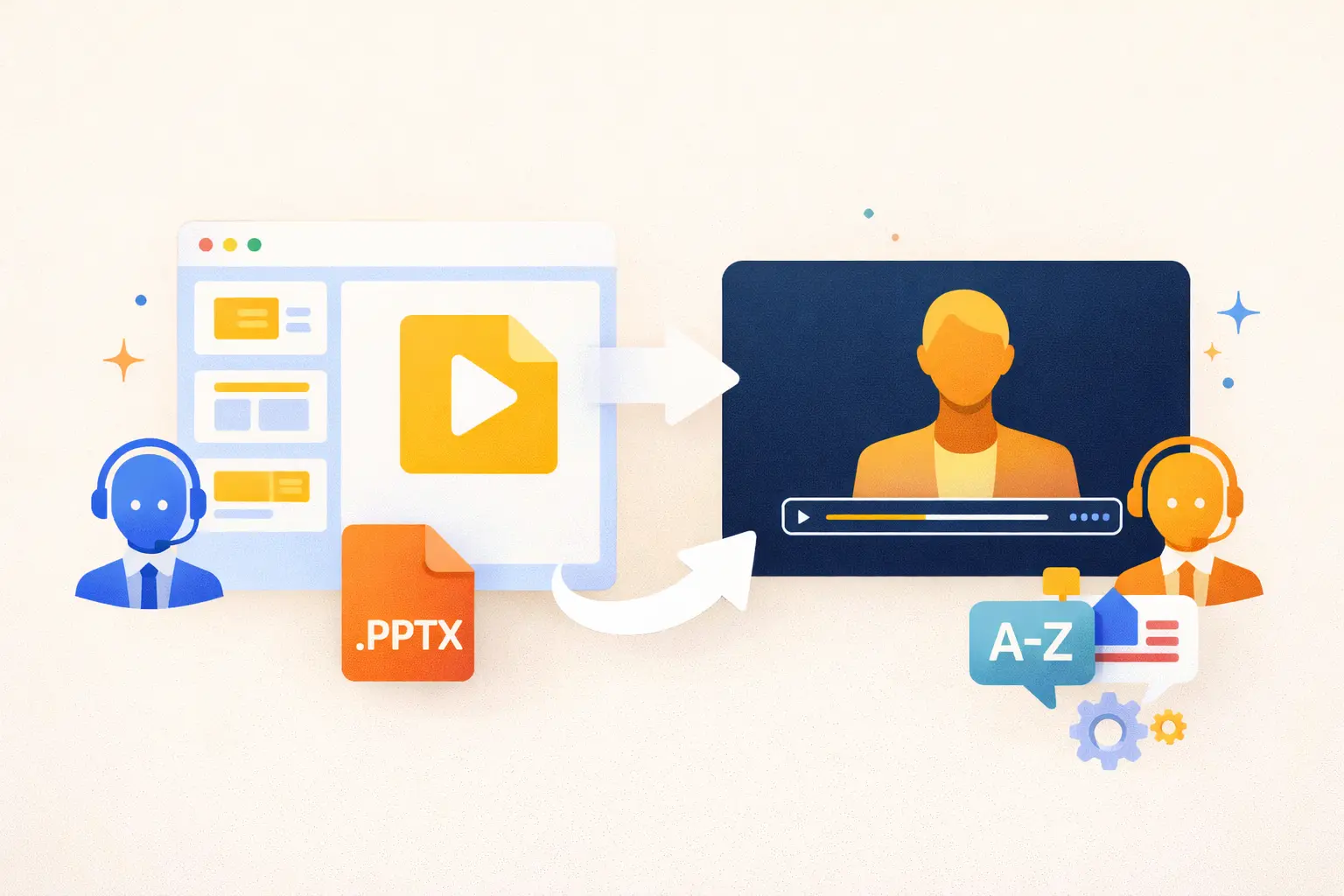
Yes. These templates are designed to support training videos that are easy to update, reuse, and scale.
Because each script focuses on a single outcome and clear structure, you can revise language, swap examples, or localize content without rebuilding the entire video. This makes them especially useful for training programs that change frequently or need to stay consistent across teams and regions.
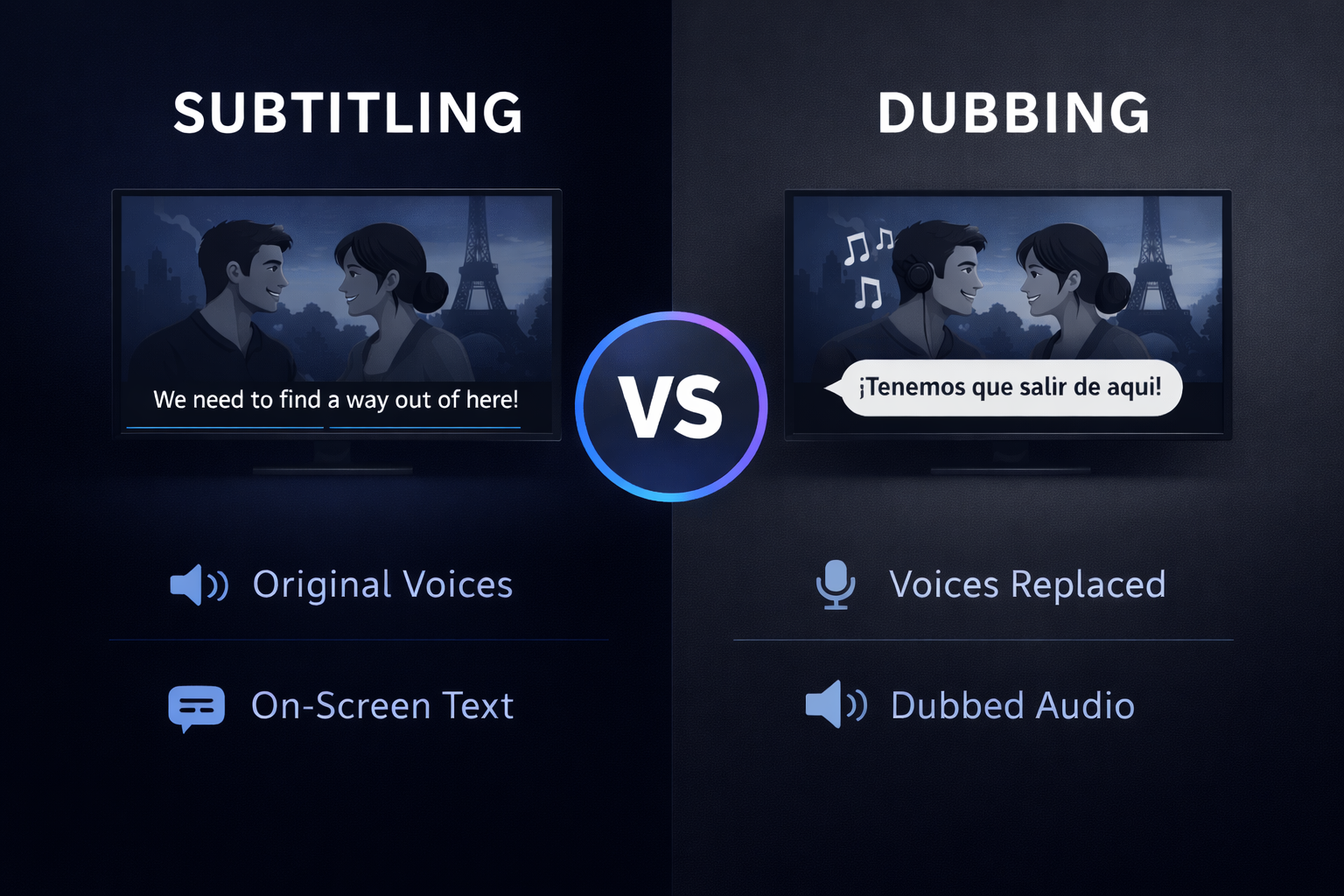
Can I localize these training video scripts for different languages or regions?
Yes. These training video script templates are designed to be easy to localize across languages and regions.
Because each script focuses on a single training outcome and uses clear, conversational language, it’s easier to translate or adapt them without losing clarity. This makes them well suited for global teams that need consistent training content across locations, with room to adjust examples, terminology, or tone as needed.
When used in a video workflow, this structure also helps teams update or localize training without rebuilding everything from scratch.


